
How do I use my loyalty points?Updated 4 months ago
To redeem your loaylty points for a discount go to https://engagepickleball.com/pages/rewards and click 'Login'
Once logged in you should see the below at the top of your screen
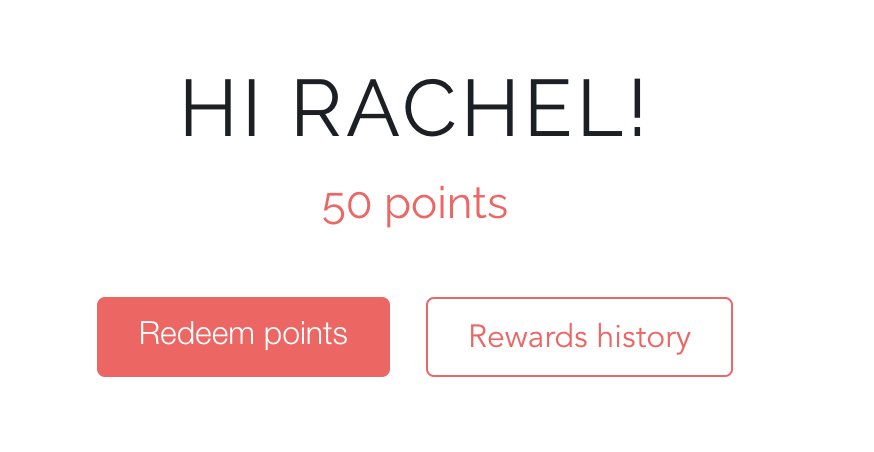
Select 'Redeem Points'
Find which amount you want to redeem:
- 300 points for $30 OFF
- 600 points for $60 OFF
- 900 points for $90 OFF
- 1200 points for $120 OFF
Select 'Redeem'
Select 'Yes or No' when prompted if you are sure
In the same text box, a code will appear that you can copy by selecting the icon
icon
You can then apply the code at checkout via the 'Discount Code or Gift Card' text box